
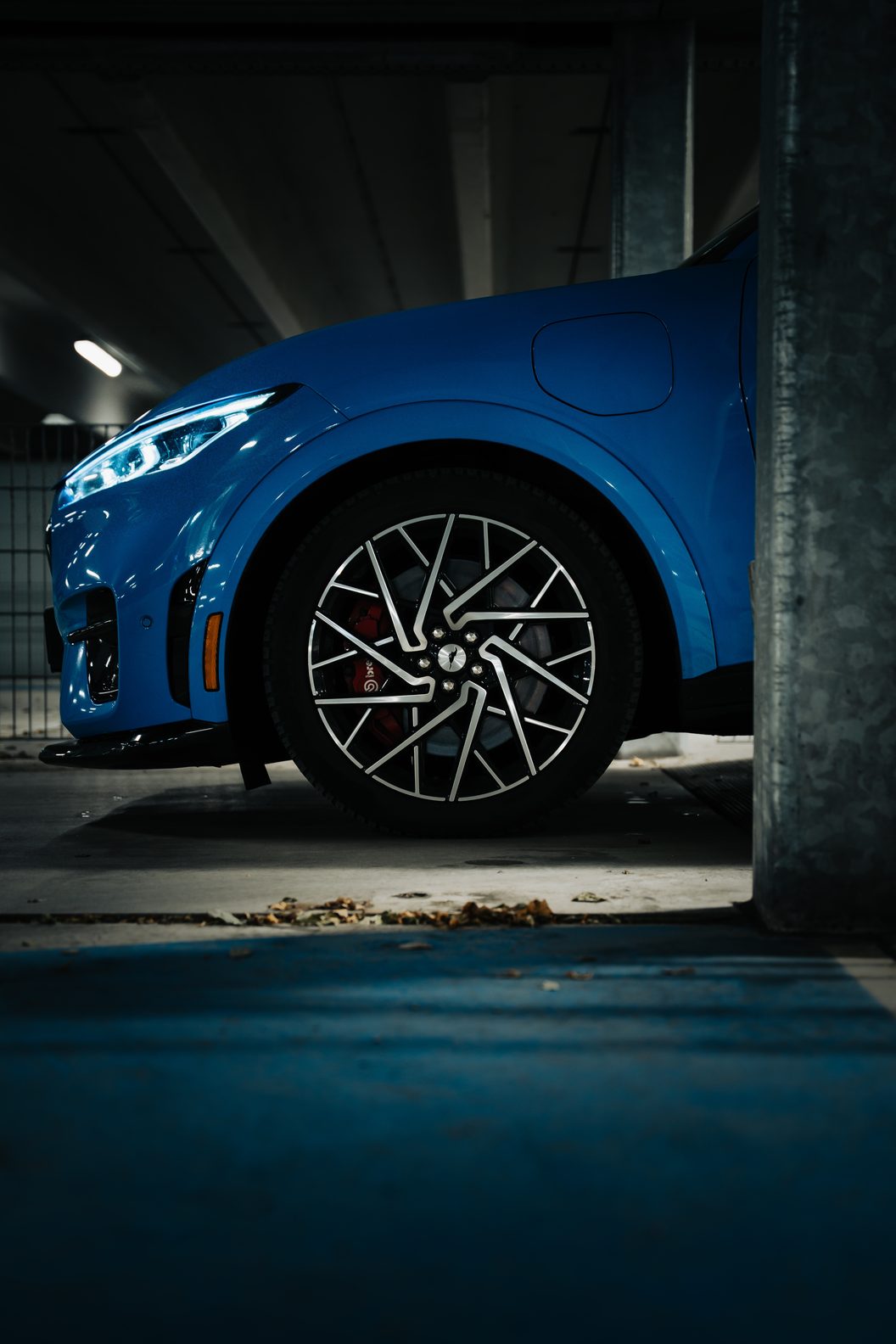
Help
How to charge and pay, what to do if you break down or have damage, and answers to questions about the car.
How to charge the car
- 1
Open the charge flap. It's at the front left, just in front of the driver's door. Press the right-hand edge of the flap, and it springs open and a light comes on.
- 2
At an ordinary charge point. The charging cable is at the front, in the boot under the bonnet. Plug it into the car first and then into the charge point. Start charging with a charge card, an app or the QR code on the charge point.
- 3
At a rapid charger. The cable is attached to the charger. First take the cap off the lower part of the socket, where the two thick pins of the rapid charger go. Plug the connector into the car and start charging at the charger, with your bank card or an app.
- 4
Look at the light. To the right of the charging port there are five bars, each for 20 per cent. Blue means it's charging or waiting. Orange means a fault: unplug the connector and plug it in again. If the orange light flashes, it's usually the charge point or the cable.
- 5
Stopping and unplugging. Stop charging at the charge point or in the app. Then hold down the unlock button to the right of the charging port, and the connector releases. If the car is locked, unlock it first with your phone. At a rapid charger you also hold down the button on the connector and pull it straight out.
- 6
Is the connector stuck? Never pull hard. Unlock the car and hold the unlock button to the right of the charging port once more, or tap unlock on the screen. If that still doesn't work, call the number on the charge point and send me a message through SnappCar.
Paying at the charger
- Rapid chargers
At most rapid chargers you pay contactless with your bank card or credit card, at the charger. New rapid chargers have had to offer this since April 2024, and from 2027 it applies to all rapid chargers. That includes the rapid chargers at petrol stations.
- Charge points in the city
You usually start an ordinary charge point in the street with a charge card or an app. Newer charge points have a QR code: scan it with your phone and pay in your browser.
- No charge card?
There's no charge card in the car. With an app such as Tap Electric or Shell Recharge you can start most charge points without a card. For Tesla Superchargers you use the Tesla app.
Tap Electric
 Shell Recharge
What charging costs
Rapid charging along the motorway costs almost twice as much as charging at a charge point in the city.
- Charge point in the city
About €0.35 to €0.46 per kWh. Rotterdam is at the top end.
- Tesla Supercharger
About €0.55 to €0.65 per kWh.
- Rapid charger along the motorway
About €0.65 to €0.85 per kWh, without a subscription.
Going from 10 to 80 per cent is about 60 kWh. At a charge point in the city that costs about €25, along the motorway about €45. You always see the price on the charger or in the app before you start. Prices from 2026; they change regularly.
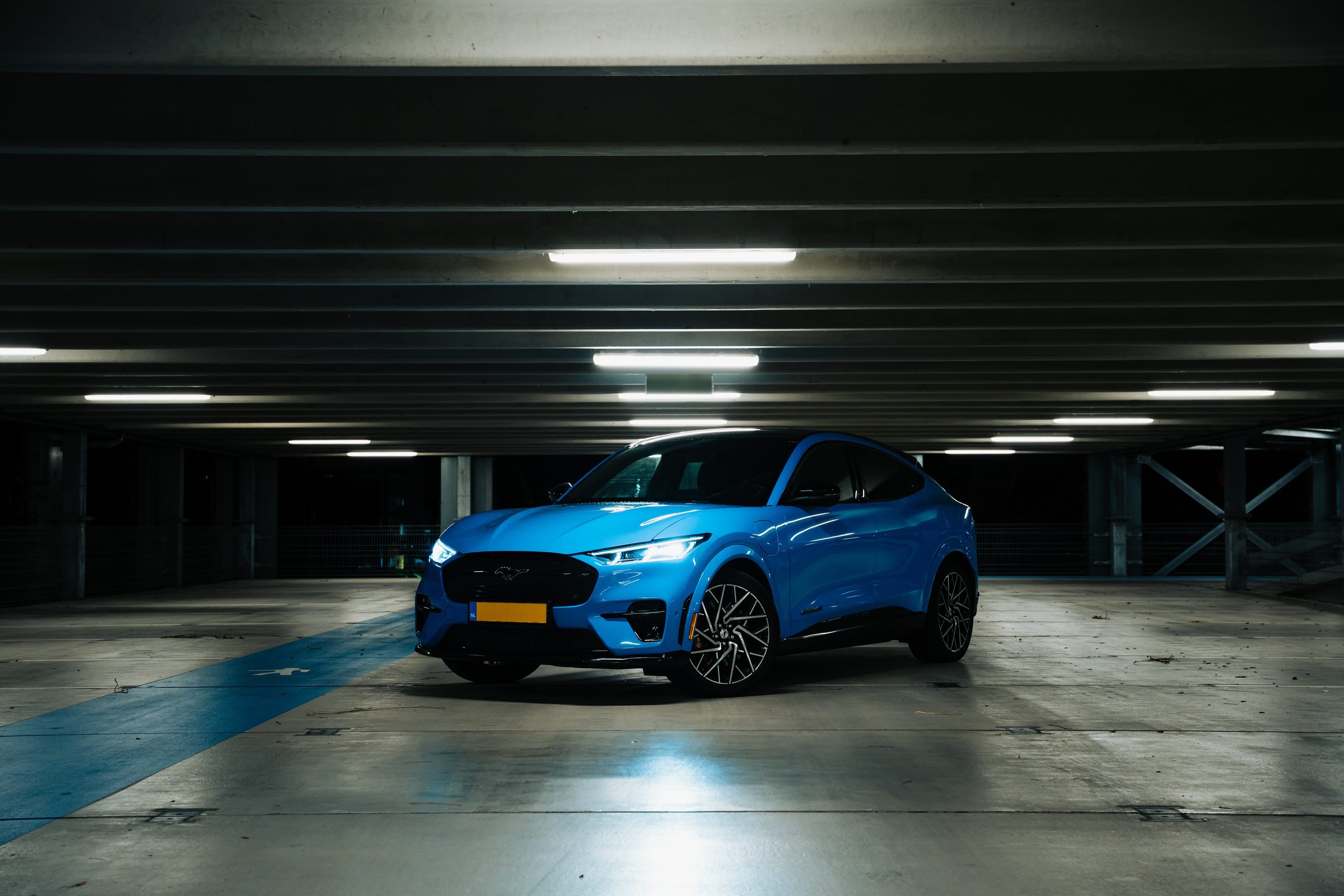
Charging on the road
You pay for charging yourself. At a rapid charger the car charges at up to 150 kW, and ten minutes gives you about 100 km. Also read how far you get on one charge.
 ANWB Onderweg app
All public charge points in the Netherlands and Europe, with the price per kWh and whether the charge point is free.
- ANWB route planner for electric cars
Plans your charging stops on a long trip.
 Fastned
Rapid chargers along the Dutch motorways.
 Ionity
Rapid chargers along motorways across Europe.
 Tesla Supercharger
Many Superchargers are also open to other makes. You pay through the Tesla app.
How to charge fastest
- 1
Arrive low. The car charges fastest when the battery is between about 10 and 50 per cent. So drive to the charger with 10 to 20 per cent.
- 2
Stop at 80 per cent. Above that it charges a lot more slowly. Two short stops are often quicker than one long one.
- 3
Choose a charger of 150 kW or more. At a 50 kW charger you'll be there almost twice as long.
- 4
A warm battery charges faster. In winter, and after a short trip, it charges more slowly. A stretch of motorway just before your charging stop helps.
- 5
Check first whether the charger is free. In the ANWB Onderweg app you can see whether a rapid charger is free and working before you drive there.
A long trip
- 1
Plan your charging stops in advance. With the ANWB route planner or A Better Routeplanner. Choose the Mustang Mach-E GT with the large battery there.
- 2
Speed costs the most range. If you drive at 110 instead of 130, you get noticeably further and often need one charging stop fewer.
- 3
Put it in Whisper. That's when it's most economical. Accelerate gently and let One-Pedal Drive do the braking, and it charges itself on the way.
- 4
Heat yourself, not the whole car. Seat and steering wheel heating use much less power than the heating on high.
- 5
Keep a margin. Plan your next stop at around 15 per cent, and a bit more in winter. Then you still have some leeway if a charger is busy or broken.
- 6
Going abroad? Take a charge card or app that also works there, and choose international cover for roadside assistance when you book.
Breaking down on the road
- 1
Park the car somewhere safe and switch on your hazard lights.
- 2
Call roadside assistance through the SnappCar app. Go to My bookings, choose your booking, tap Contact Support and choose Roadside assistance. Roadside assistance comes with every booking.
- 3
Then send me a message through SnappCar, so I know what happened.
If the car can't go any further, SnappCar arranges replacement transport: up to two days in the Netherlands and up to four days abroad. For a flat battery or a key left in the car, SnappCar can charge €100 extra. Abroad you only have roadside assistance if you chose international cover when you booked.
Damage or an accident
- 1
First make sure everyone is safe. If you can, move the car to the side of the road and switch on your hazard lights.
- 2
If another party is involved, fill in the European accident statement together. Write down their name, driving licence number and registration number, and also ask witnesses for their details.
- 3
Take photos of the damage and of the location.
- 4
Report the damage in the SnappCar app when you check in, with the photos and a short description. Do this for minor damage too.
- 5
Send me a message through SnappCar.
SnappCar forwards your report to Allianz, the insurer. You're liable up to the insurance excess that comes with your booking. You can read what's covered on SnappCar's insurance page.
Questions about the car
What do I do if I have a flat tyre?
Call roadside assistance through the SnappCar app. There's no spare wheel in the car.
A warning light comes on. What now?
If the light is red, park the car somewhere safe and call roadside assistance through the SnappCar app. With an orange light you can usually carry on driving. In both cases, send me a photo of the screen through SnappCar and I'll take a look.
Can I use rapid chargers?
Yes, at your own cost. At a rapid charger, charge to about 80 per cent. Above that, charging is a lot slower. There are more tips under How to charge fastest.
How much battery do I bring it back with?
At least 25 per cent. SnappCar asks for that.
I'll be back later than planned.
Extend your rental as early as possible in the SnappCar app and send me a message about it. I have to approve an extension of more than six hours first.
How does One-Pedal Drive work?
When you lift off the accelerator, the car slows down by itself and charges the battery again. You turn One-Pedal Drive on or off on the screen. I'll show you when you pick it up.